
OpenAI CEO reveals what it is about AI that keeps him awake at night
The man leading one of the most prominent and most powerful AI companies on the planet has just revealed what it is about AI that keeps him awake at n
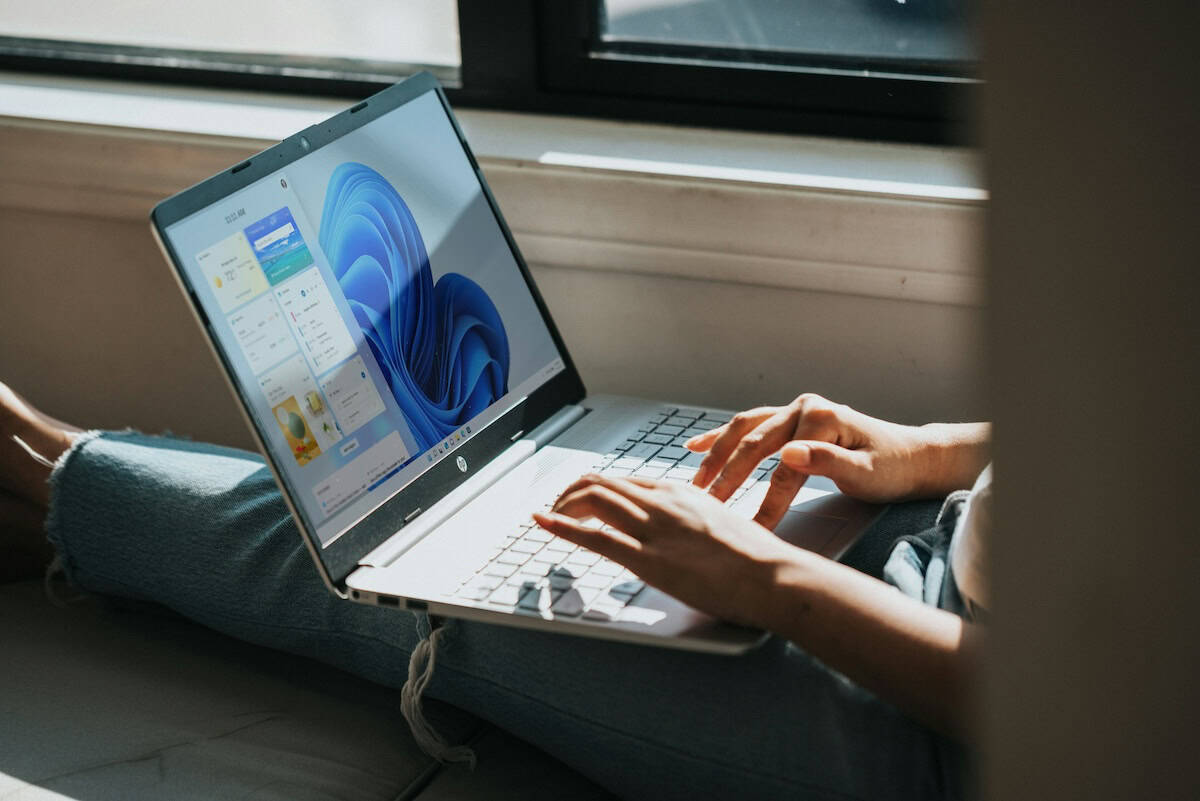
Windows 10 and 11 ship with several apps that you may not want. One more app has reportedly joined the list of bloatware, the HP Smart app.
A report by Windows Latest says that they noticed a new app called HP Smart had been added to the Start Menu on their Windows 10 laptop. However, it didn't end there, the author discovered that the app had also been auto-installed on their Virtual Machine that was running on Windows 11.
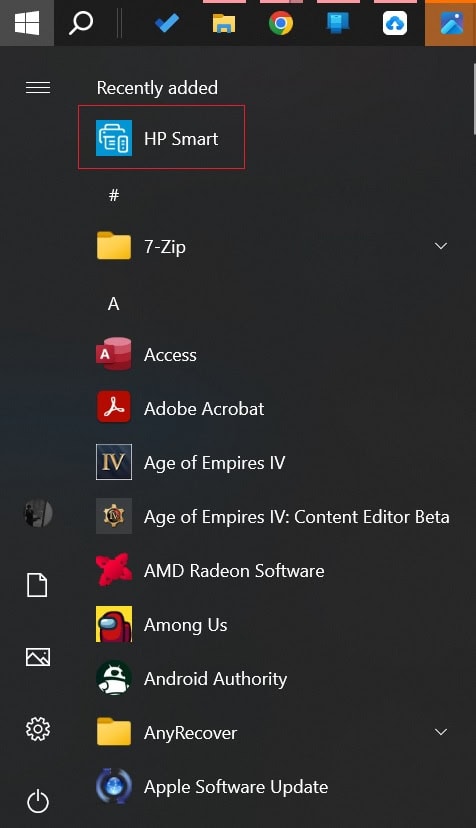
Image courtesy: Windows Latest
What is interesting about this scenario is the fact that the report says that the app got auto installed even when no HP products were connected to the PC. Some users on reddit have reported that they too have experienced a similar problem. The HP Smart app is being installed via the Microsoft Store. This meant that the app wouldn't be listed under the Programs and Features section in the Control Panel.
Remember when it thought it was a good idea to install the Google Docs app Offline extension in Microsoft Edge automatically? I mean, this is not even a first-party app, why go to these lengths to promote them? Well, I suppose we shouldn't be surprised by these shenanigans. Still, the difference between an auto installation of a browser extension and a desktop app is huge.
The comments from users indicate they were worried whether the app was a virus. Who can blame them for thinking that, when an app that you have never used, and probably never even heard of, randomly gets installed on your computer, it does seem similar to malware-like behavior. One user claimed that they found a folder under Program Files called HPPrintScanDoctor, and a service named HPPrintScanDoctorService.exe that was running on Windows start-up using a scheduled task.
It is worth mentioning that HP Smart is an official app from the electronics giant, the app is available for Windows, macOS, Android and iOS, and lets you print, scan, and share files using your HP Printer. That should be a little comforting for users. So if you see the app listed on your Start Menu, don't panic and reset your PC or do a clean installation of Windows. It's just Microsoft being Microsoft.
Unfortunately, there is no explanation about why the HP Smart app was being auto-installed on Windows 10 and Windows 11. But there is some good news, Microsoft has released a statement to Windows Latest, to say that it has acknowledged the issue, and told them it will share more details about it soon.
My guess is that it was probably a "technical error" that pushed the app to all PCs, instead of only those that were connected to an HP accessory. Actually, I'm not really a fan of that either. It is never a good idea to get driver updates from Microsoft, they can cause various issues, and they have done so in the past.
You could easily end up with a buggy driver, it happened to me a few years ago with an NVIDIA Graphics Card Driver that caused massive performance issues and lags, and I had to roll back to a previous version manually to fix the problems. And don't use those junk driver updater and snake oil system utilities software either, always get the latest drivers from the hardware vendor's website.
As for how to get rid of the HP Smart app, you can just right-click on it and select uninstall, and hope that it doesn't get reinstalled the next time you boot your PC.

The man leading one of the most prominent and most powerful AI companies on the planet has just revealed what it is about AI that keeps him awake at n

I had an experience this week which forcefully reminded me that ChatGPT and Google’s Gemini were great but not perfect. And to be clear, I have jumped
When you’re playing around with ChatGPT or Gemini for the first time, it’s easy to just toss in a quick, simple prompt and see what happens.“What can
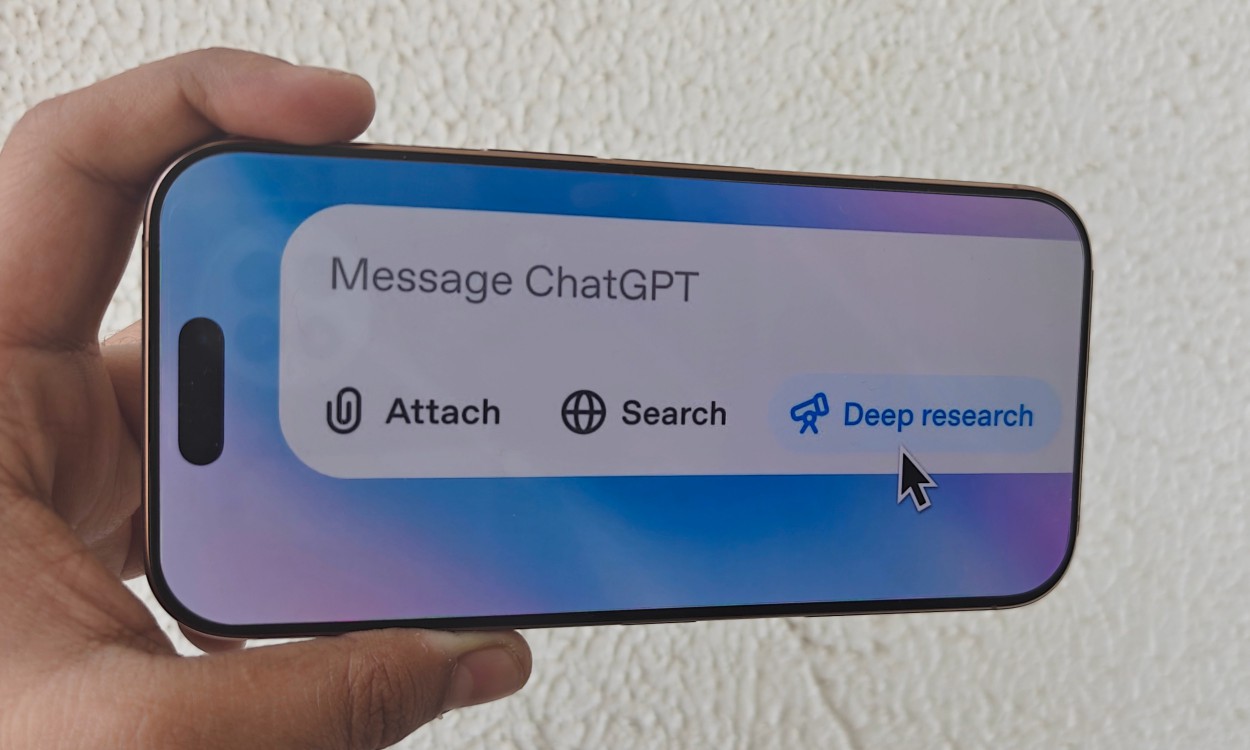
With the launch of GPT-5, ChatGPT received more than just an upgrade — it appears to have gone through a personality overhaul. Comparing past chats wi
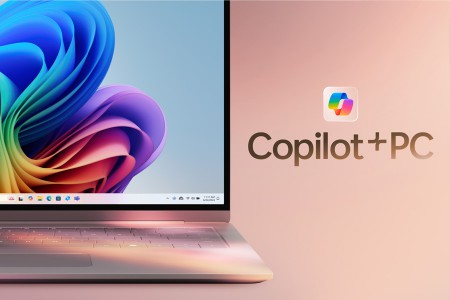
Microsoft could be adding a guided tour to its Copilot app in Windows 11, making it easier for users to get started, according to TechRadar. The six-s
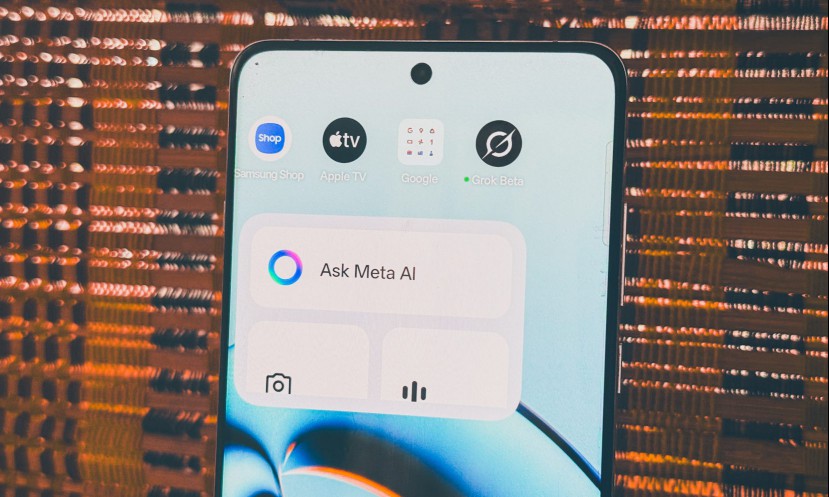
Meta has been playing the AI game for a while now, but unlike ChatGPT, its models are usually integrated into existing platforms rather than standalon
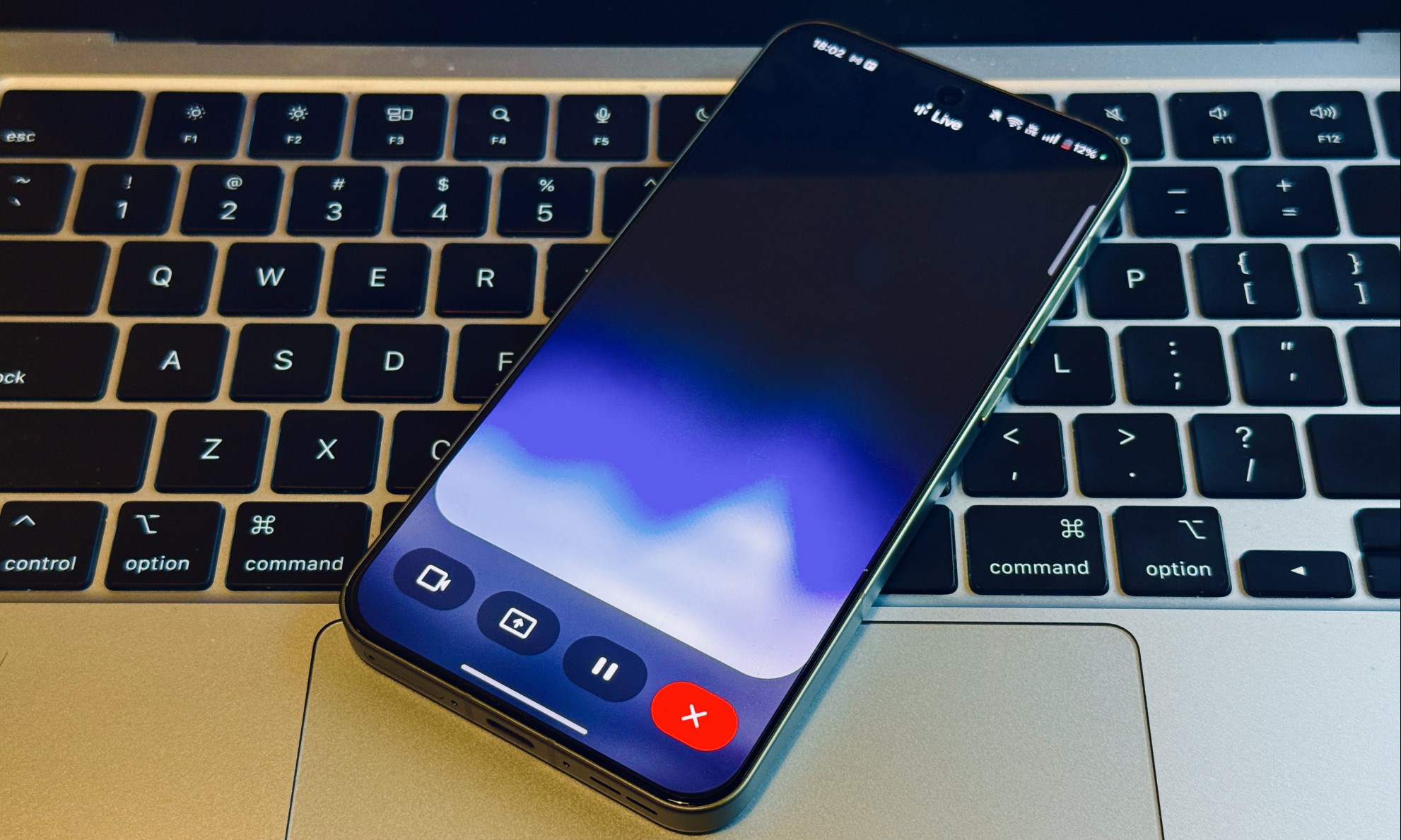
“Hey ChatGPT, left-click on the enter password field in the pop-up window appearing in the lower left quadrant of the screen and fill XUS&(#($J, a
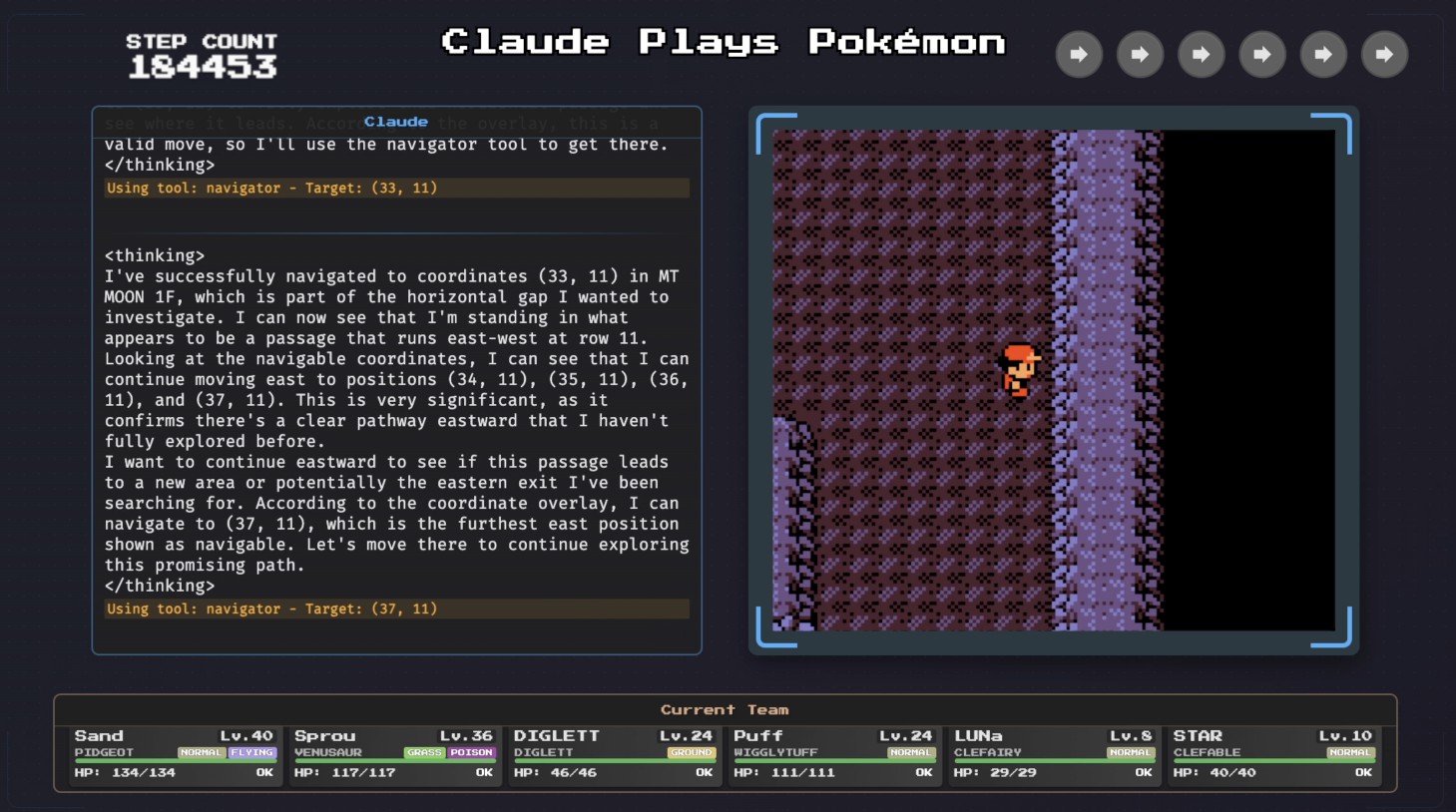
As AI tools improve, we keep getting encouraged to offload more and more complex tasks to them. LLMs can write our emails for us, create presentations
We are a comprehensive and trusted information platform dedicated to delivering high-quality content across a wide range of topics, including society, technology, business, health, culture, and entertainment.
From breaking news to in-depth reports, we adhere to the principles of accuracy and diverse perspectives, helping readers find clarity and reliability in today’s fast-paced information landscape.
Our goal is to be a dependable source of knowledge for every reader—making information not only accessible but truly trustworthy. Looking ahead, we will continue to enhance our content and services, connecting the world and delivering value.