
Fed up with AI slop? Here’s how DuckDuckGo can help
If you’ve had enough of AI-generated images filling up your search results, then the DuckDuckGo search engine is here to help.The Pennsylvania-based c
Microsoft could be adding a guided tour to its Copilot app in Windows 11, making it easier for users to get started, according to TechRadar. The six-step guide appears at the top of the app for easy access, and it was Windows leaker @PhantomOfEarth who first spotted it. Microsoft has not officially confirmed the feature, and it is unclear which Insider build it may be tied to, if any.
If you want to try the guided tour, the prompt to start it appears above the Copilot panel. The guide, in its current form, moves at a reasonably fast pace. The first step introduces the prompt box, where users can type or speak requests. This is the main way to interact with Microsoft’s AI assistant. The third step guides you through the upload button, which allows you to add documents, images, and other files for Copilot to work with. The pop-up also notes that Copilot can summarize, rewrite, or edit supported content.
The fifth step is Quick View mode, a feature that minimizes Copilot into a smaller window for more effortless multitasking across open apps. This can be especially helpful for Windows users who want to keep the AI assistant available while working in other parts of Windows 11. To move through the guide, you can click the “Next” button at the bottom right of each pop-up step.
If the Copilot guided tour eventually rolls out to all users, it could make Microsoft’s AI assistant easier to approach. It’s a small but useful addition for new users who might otherwise find Copilot confusing at first. Microsoft already offers resources such as the Get Help app, which can walk users through troubleshooting steps or answer their questions. There is also Agentic AI, which allows Copilot to perform multi-step tasks on your behalf. While these tools won’t solve every issue, it’s good to see Microsoft trying to ease the learning curve in Windows 11.
If you’ve had enough of AI-generated images filling up your search results, then the DuckDuckGo search engine is here to help.The Pennsylvania-based c

Samsung was one of the first smartphone makers to go all-in with AI, thanks to the Galaxy AI stack. The Galaxy flagships didn’t only ship the usual Ge
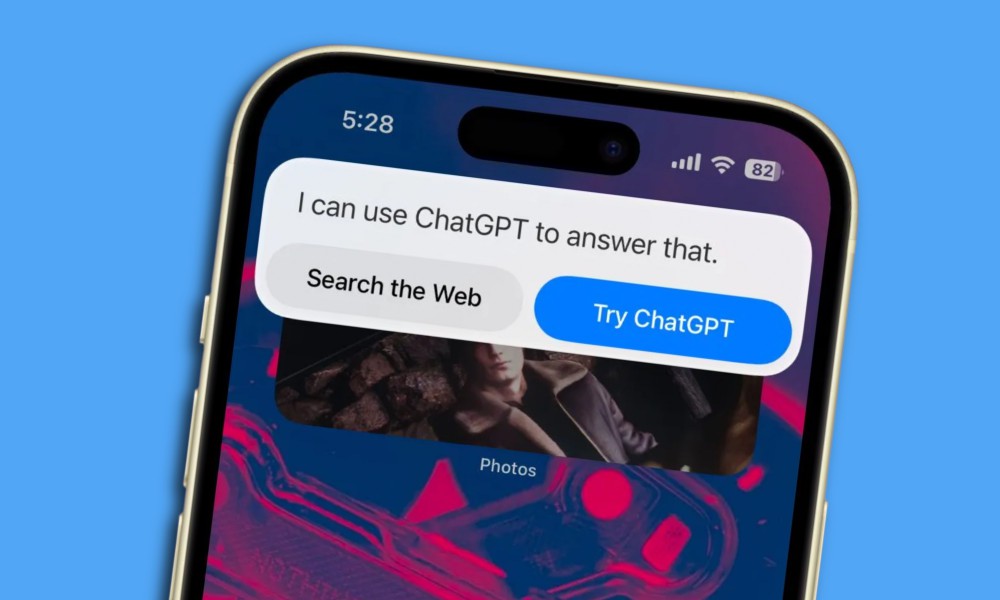
It’s no secret that Apple is currently struggling to deliver a smash-hit AI product, the way Google has served with Gemini, or Microsoft has achieved
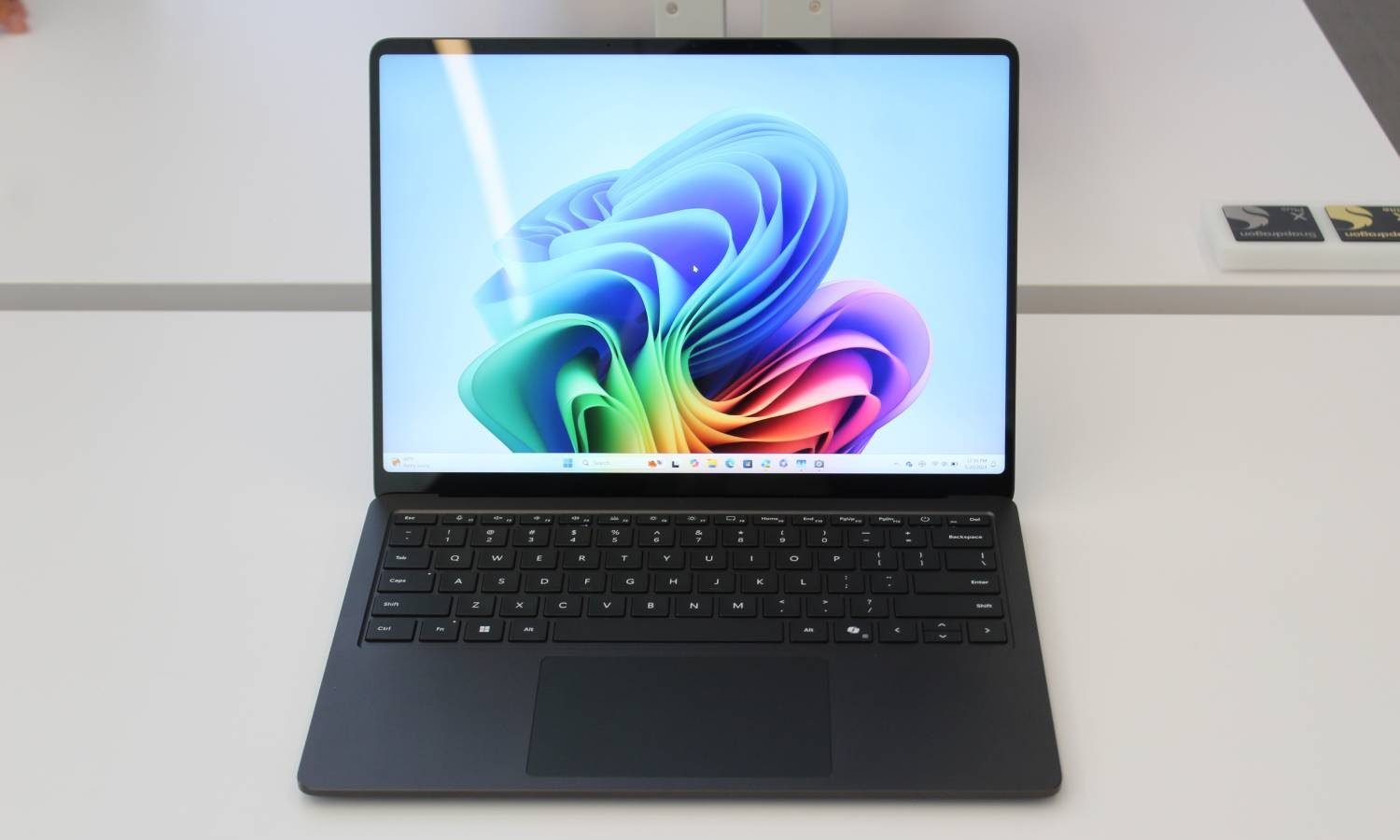
There is always going to be a big divide between macOS and Windows. Much of it has to do with the functional disparities that are deeply ingrained at
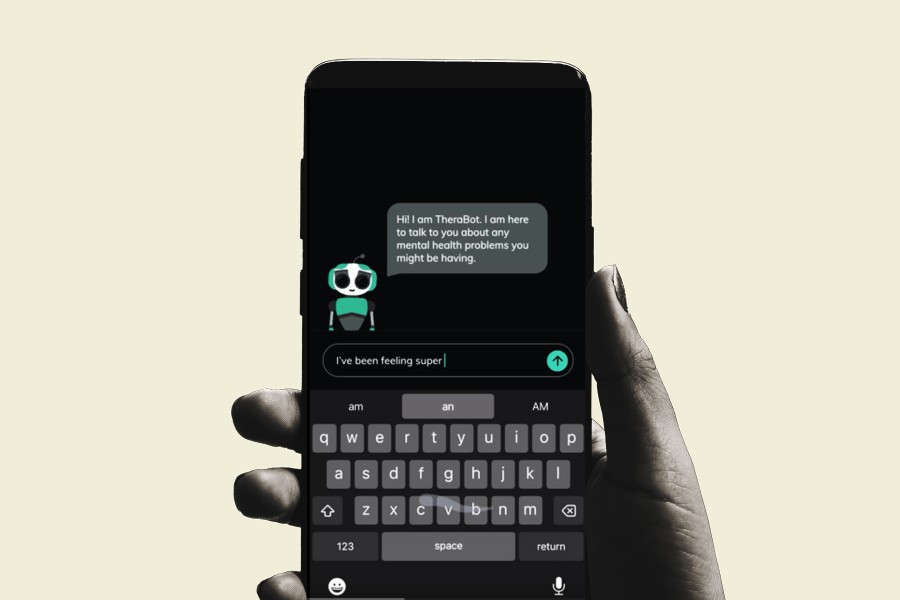
AI is being heavily pushed into the field of research and medical science. From drug discovery to diagnosing diseases, the results have been fairly en

ChatGPT didn’t just emerge onto the AI scene, it birthed an entire revolution of AI assistants and agents and made them accessible to consumers who we

Apple has lately focused on giving the AirPods more of a wellness-focused makeover than hawking them as plain wireless earbuds. Late last year, the Ai

OpenAI has released its latest model, o1-pro, an updated version of its reasoning model o1 — but it’s not going to come cheap.“It uses more compute th
We are a comprehensive and trusted information platform dedicated to delivering high-quality content across a wide range of topics, including society, technology, business, health, culture, and entertainment.
From breaking news to in-depth reports, we adhere to the principles of accuracy and diverse perspectives, helping readers find clarity and reliability in today’s fast-paced information landscape.
Our goal is to be a dependable source of knowledge for every reader—making information not only accessible but truly trustworthy. Looking ahead, we will continue to enhance our content and services, connecting the world and delivering value.