
Windows has a major AI problem, and it’s pushing me closer to Apple
Just over a year ago, Apple Intelligence was announced. It continues to be somewhat of a ‘meh’ affair compared to other rival products like Microsoft’

If you watch videos on YouTube, you may know about some of the options that you have. One of the options lets you change the playback speed. You may increase the speed of videos up to 2x, which is great under certain circumstances.
Besides videos with very slow speakers, it may also be useful to quickly speed through certain passages on a video. Fiddling around with the control is not straightforward, on the other hand.
The process requires several clicks: on Settings, then Playback Speed and then the desired speed level. If you want to set a custom level, you need even more interactions to get there.
Then, if you want to change it again or reset it to the default level, you need the exact number of clicks to get there.
YouTube supports keyboard shortcuts. One of these shortcuts is the Space-key. When you hold it, YouTube will play the video in 2x speed automatically.
Great for speeding through certain sections in a video without having to use the seekbar or configuring a different playback speed.
Once you let go of the Space-key, video playback speed returns to the default level. It is a convenient way of changing the playback speed for certain parts of the video.
Note: the keyboard shortcut works for regular videos on YouTube only. It does not work when you play YouTube Shorts. Pressing the Space-key while a Shorts video plays toggles Pause and Play.
On mobile, there is no Space-key that you may press to speed up videos. Still, there is an option. It works for regular videos only as well, not for Shorts.
Put a finger on the video on the device and hold it there. YouTube speeds up by the factor 2x as long as you hold the finger on the video. Let go and it restores the original playback speed again.
YouTube supports a wide variety of shortcuts. Some of them are related to seeking in videos.
Here is a selection of shortcuts that you may find useful:
Best of all, all of these shortcuts work even if you use an adblocker.
Now You: do you use keyboard shortcuts on YouTube or other media sites?
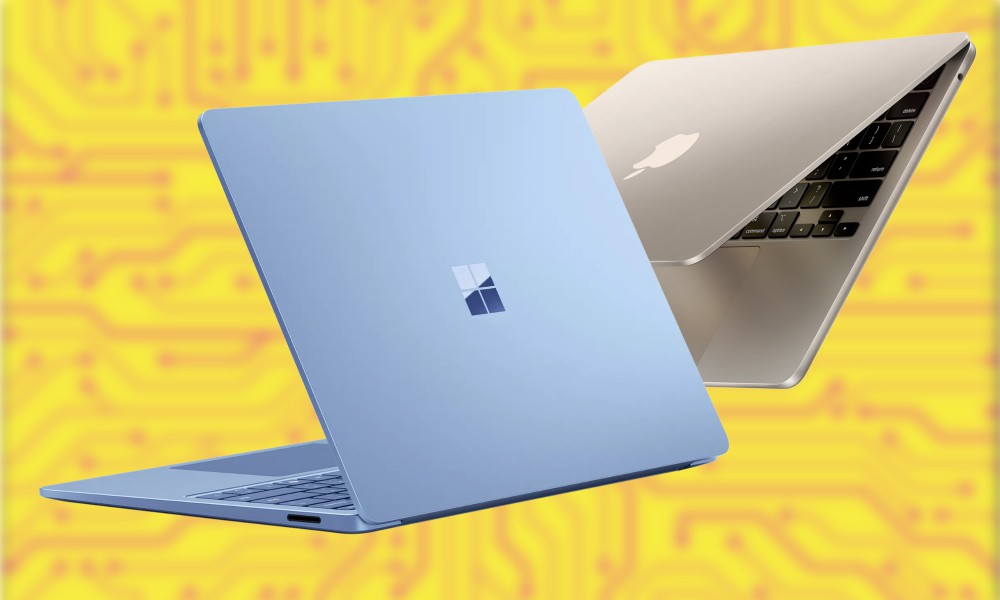
Just over a year ago, Apple Intelligence was announced. It continues to be somewhat of a ‘meh’ affair compared to other rival products like Microsoft’

If you’ve had enough of AI-generated images filling up your search results, then the DuckDuckGo search engine is here to help.The Pennsylvania-based c

articiOver the past few years, AI has gone from limited chatbots to suddenly dominating the news cycle every single day. There are a range of AI chatb
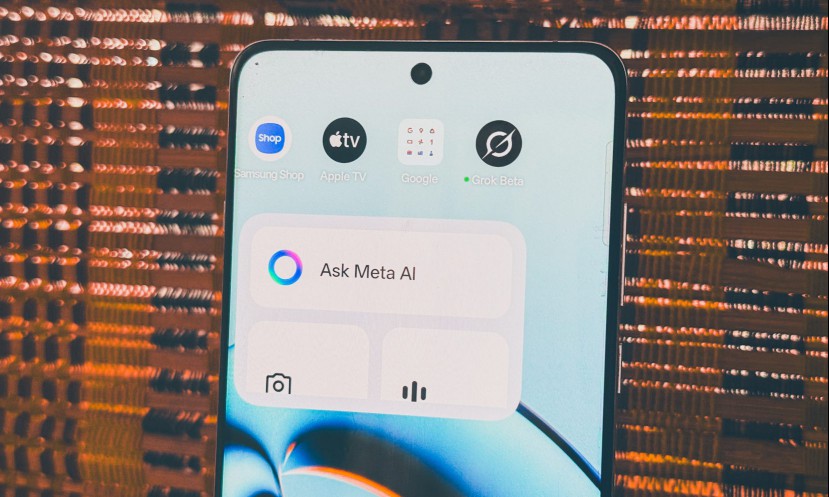
Meta has been playing the AI game for a while now, but unlike ChatGPT, its models are usually integrated into existing platforms rather than standalon

Imagine what it would be like to know exactly what your dog was saying when it barked, or your cat when it miaowed, or your iguana when it … made what

Nearly two billion people across the world suffer from a blood condition called anemia. People living with anemia have a lower than average number of

In a showcase of where audio tech is headed, Soundcore, the premium sub-brand of Anker Innovations, took the stage at Microsoft Build 2025 this week w

OpenAI has just announced that ChatGPT received a major upgrade to its memory features. The chatbot will now be able to remember a lot more about you,
We are a comprehensive and trusted information platform dedicated to delivering high-quality content across a wide range of topics, including society, technology, business, health, culture, and entertainment.
From breaking news to in-depth reports, we adhere to the principles of accuracy and diverse perspectives, helping readers find clarity and reliability in today’s fast-paced information landscape.
Our goal is to be a dependable source of knowledge for every reader—making information not only accessible but truly trustworthy. Looking ahead, we will continue to enhance our content and services, connecting the world and delivering value.